In the relentless pursuit of higher item levels, players often overlook the Mechanical Infrastructure of their own gameplay. We spend weeks chasing a 3% stat increase from a trinket while suffering from a 20% performance loss due to poor configuration. This is the Optimization Paradox: focusing on the character’s power while ignoring the player’s interface. These five-minute adjustments require zero gold and zero boss kills, yet they provide an immediate surge in Operational Efficacy by removing the “digital friction” between your brain and the game engine.
The “Auto-Self Cast” and “Action Targeting” Rebirth
Modern Azeroth moves too fast for manual targeting rituals. If you are still clicking your own portrait to heal or searching for a specific mob in a pack of twelve, you are experiencing Input Latency.
By enabling “Auto Self-Cast” and “Action Targeting” in the options menu, you eliminate the need for the “Targeting Click.” Your character becomes Contextually Aware; they attack what you face and heal you when no one else is selected. This 5-second toggle reduces your total actions-per-minute (APM) required for basic survival, freeing up mental bandwidth for complex boss mechanics.
The 5-Minute Performance Matrix
Apply these rapid-fire adjustments to your client to instantly bridge the gap between “Casual” and “Competent” performance levels:
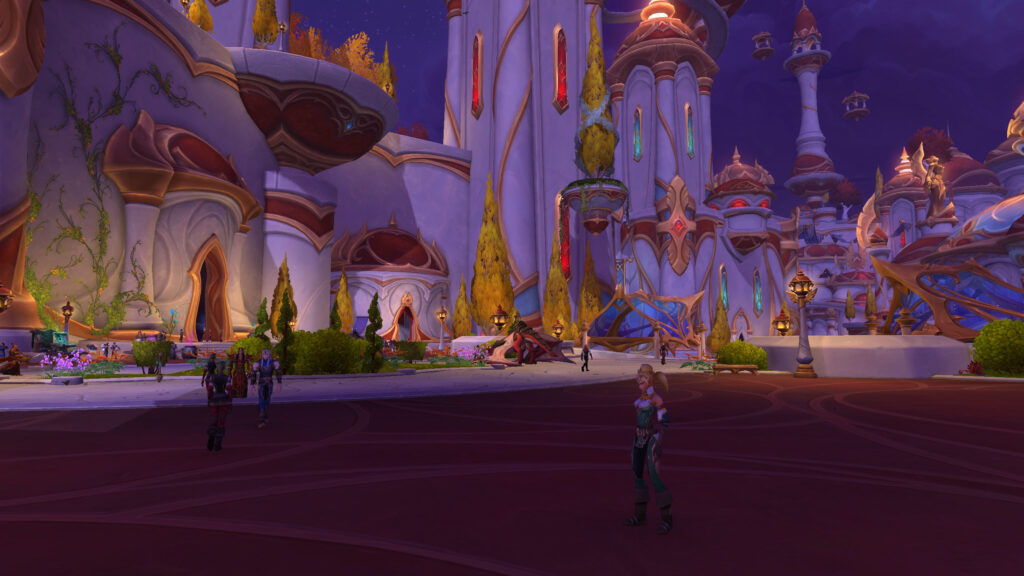
- Max Camera Distance (The “Perspective Shift”): Zoom out to the absolute limit. This cures Environmental Tunnel Vision, allowing you to see the “frontal cleave” or the “incoming patrol” before it touches your hitbox.
- Spell Queue Window Tuning (The “Lag Fix”): Adjust your hidden “Spell Queue Window” to match your average world latency. This eliminates the “dead space” between casts, ensuring your character is Perpetually Casting without a millisecond of delay.
- Combat Text Pruning: Disable non-essential floating combat text (like “Dodged” or minor heals). This reduces Visual Noise, allowing you to see the boss’s actual physical animations, which are the most reliable indicators of an upcoming mechanic.
- Personal Resource Display (The “Focus Anchor”): Move your health and resource bars to the center of the screen, just below your character’s feet. This creates a Primary Focus Zone, ensuring you never “forget” your health bar during an intense rotation.
- Keybind “Dead Zone” Removal: Rebind keys like Caps Lock or the Tilde (~) to your most essential defensives. These are High-Value Real Estate keys that most players leave empty.
The Psychology of the “Responsive” Character
When your settings are optimized, the character begins to feel like a “Direct Extension” of your will. This reduces Mechanical Frustration. Most “bad” players aren’t lacking in skill; they are simply fighting a UI that is actively hindering them.

When a 5-minute fix makes your movement feel crisper and your spells fire faster, your Confidence Threshold rises. You stop fearing the chaos because you know you have the responsiveness to navigate it. You aren’t just “playing better”; you are finally in control.
Conclusion: The Instant Upgrade
Power in World of Warcraft is a combination of math and motion. While gear handles the math, these settings handle the motion.
By dedicating five minutes to auditing your camera, targeting, and queue windows, you provide your character with a “Legendary Buff” that never expires and never needs to be refarmed. Stop chasing the gear until you have mastered the machine. The fastest path to the top of the meter is often found in the Options menu.